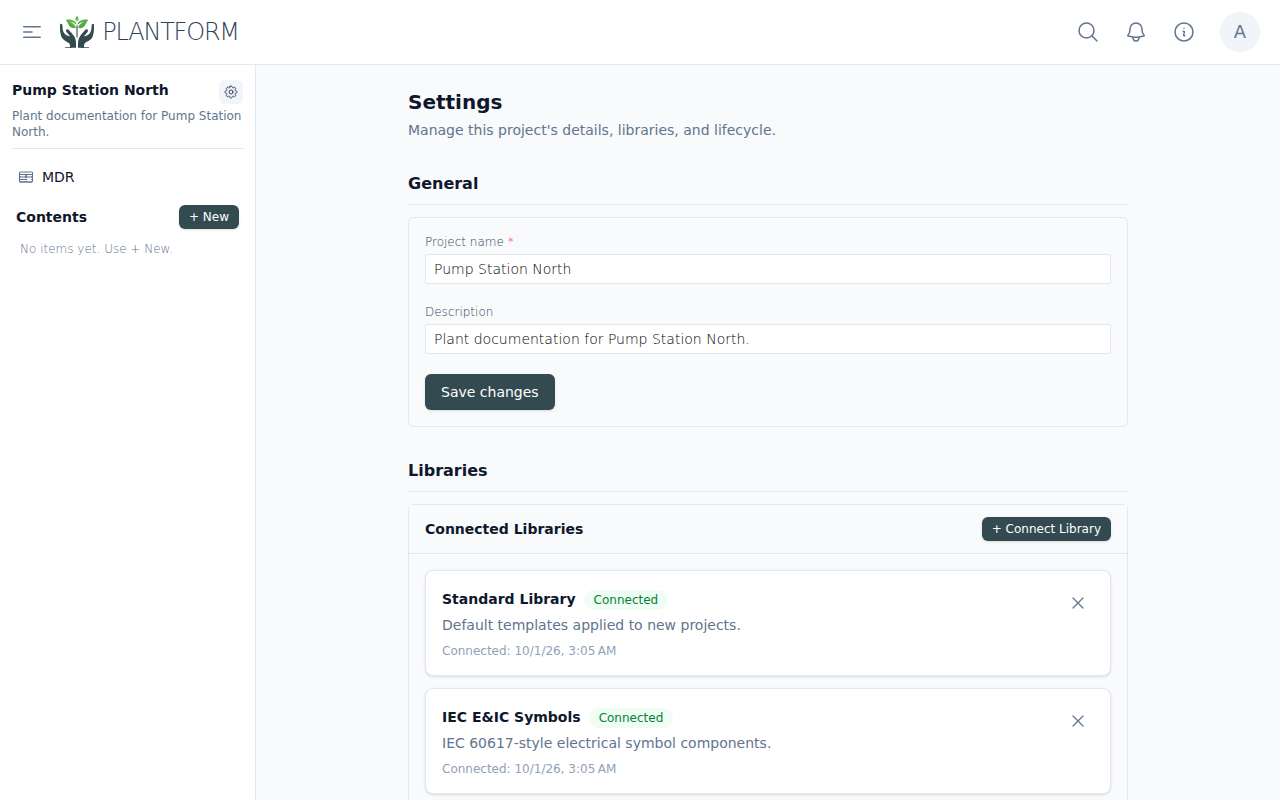
Appearance
Disconnect a library
Remove a library a project no longer needs. Items already created from its templates keep working.
Disconnect a library from a project
Before you start
- You are signed in as an organization admin.
- You have a project Pump Station North with the Demo Manufacturer Catalog library.
Click Projects.
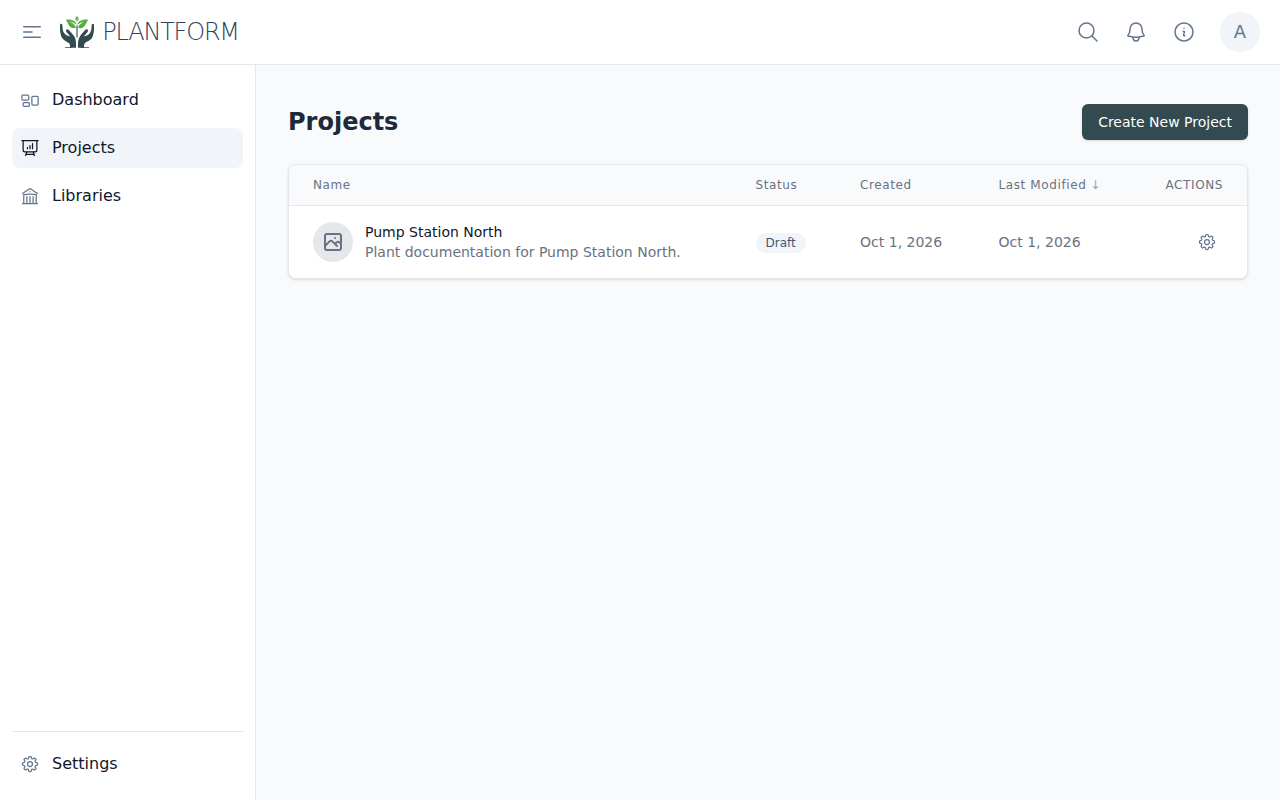
Click Pump Station North.
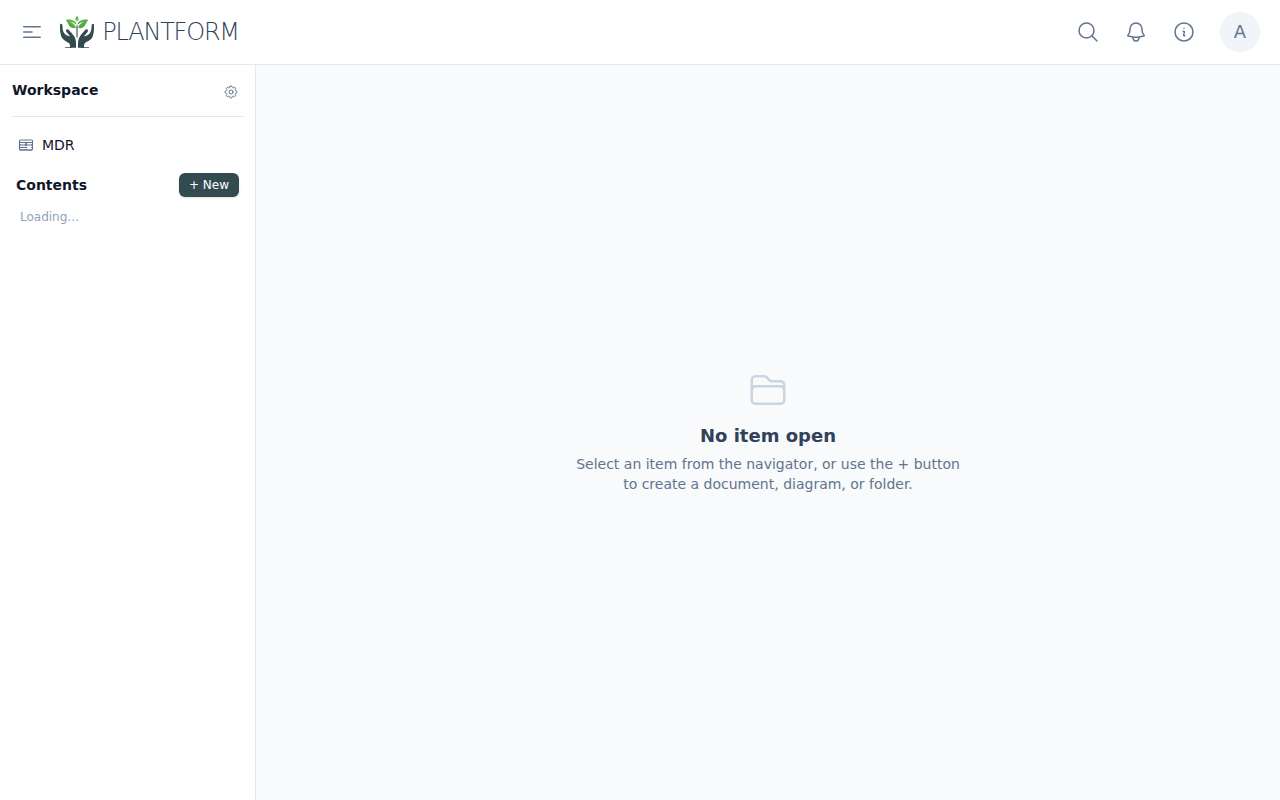
Click Project settings.
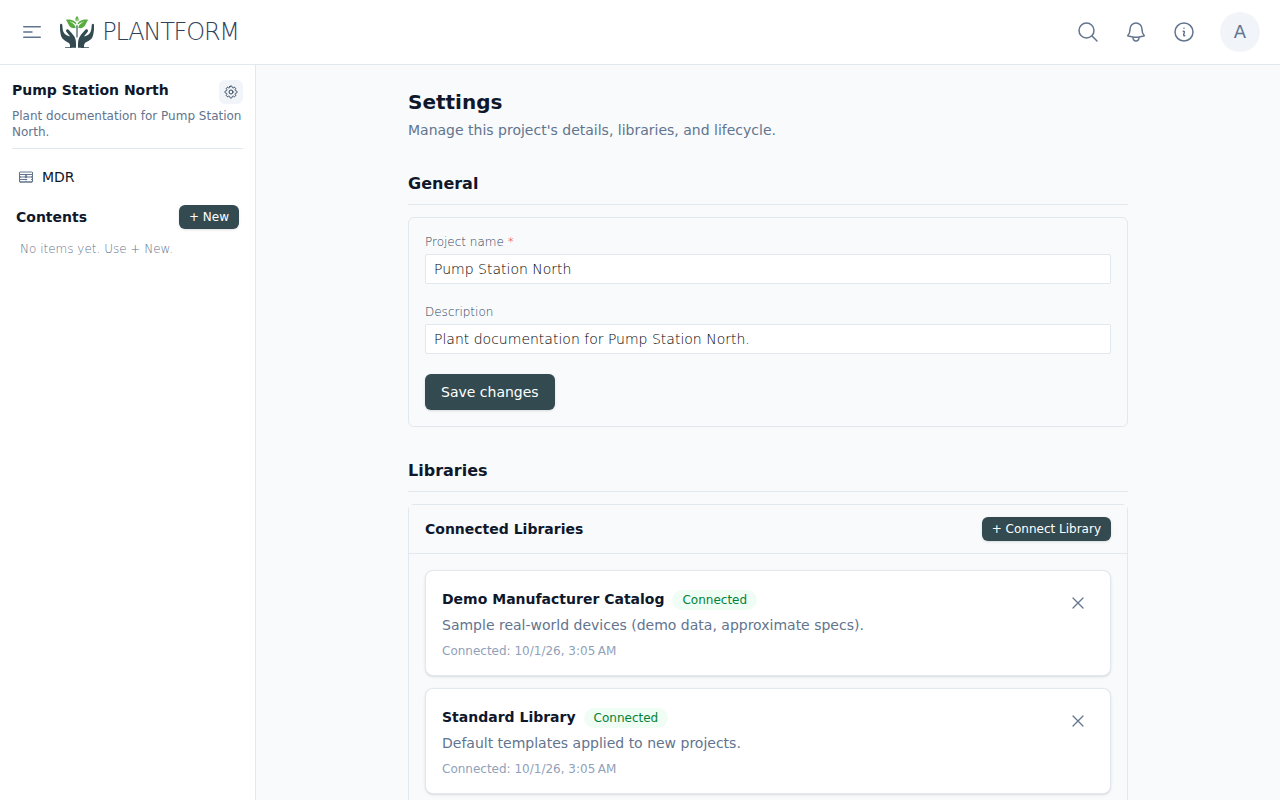
Disconnect the Demo Manufacturer Catalog library.
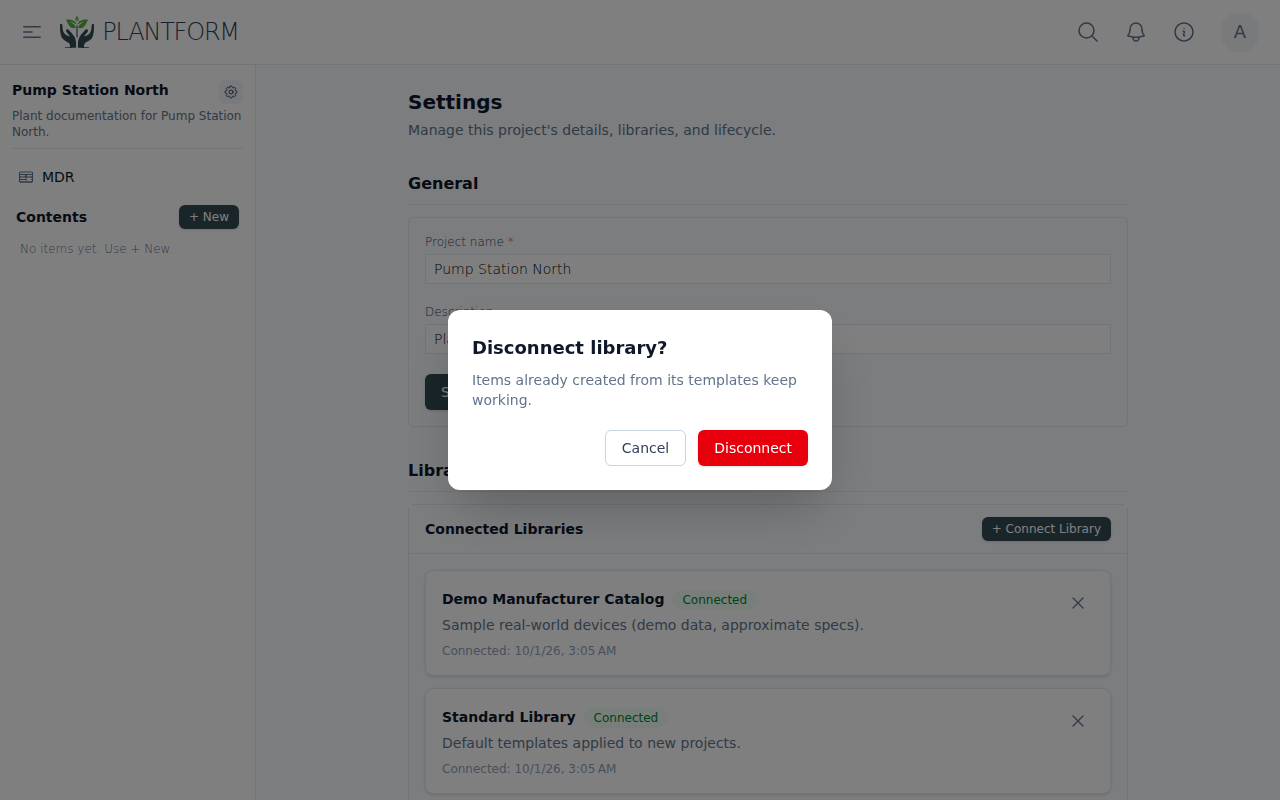
Confirm.
Result: You do not see Demo Manufacturer Catalog.