Appearance
Connect a library
Libraries hold reusable templates for devices, documents and diagrams. Connect a library to a project to create items from its templates.
Connect a library and add a device from it
Before you start
- You are signed in as an organization admin.
- You have a project Pump Station North.
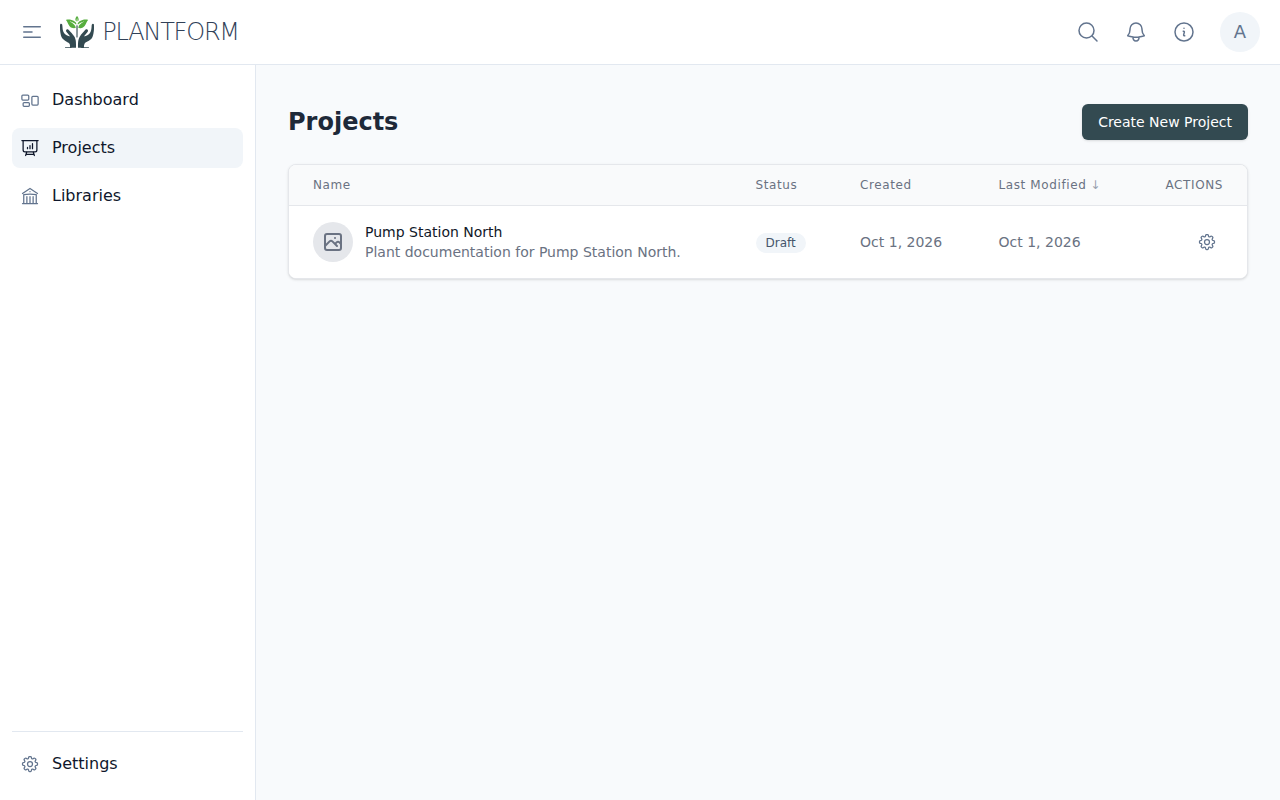
Click Projects.
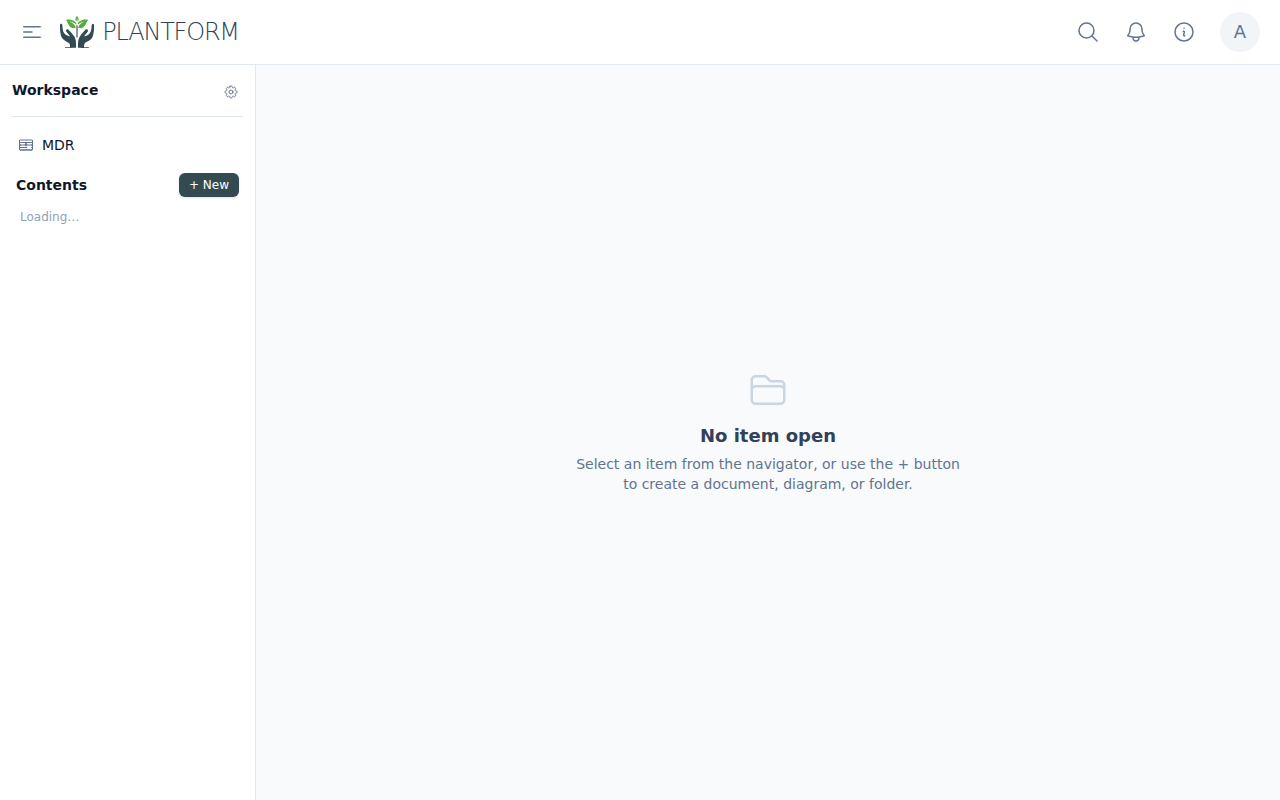
Click Pump Station North.
Click Project settings.
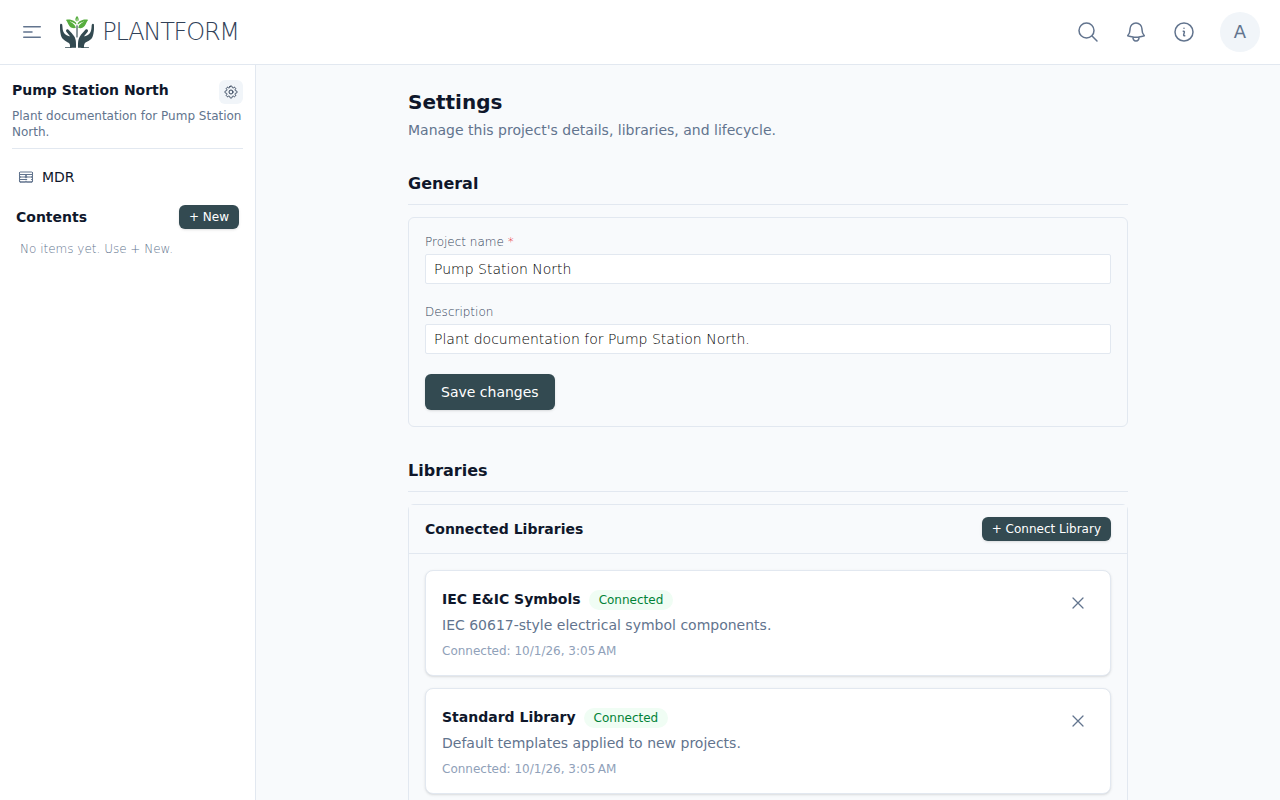
Click + Connect Library.
Select Demo Manufacturer Catalog from Select Library.
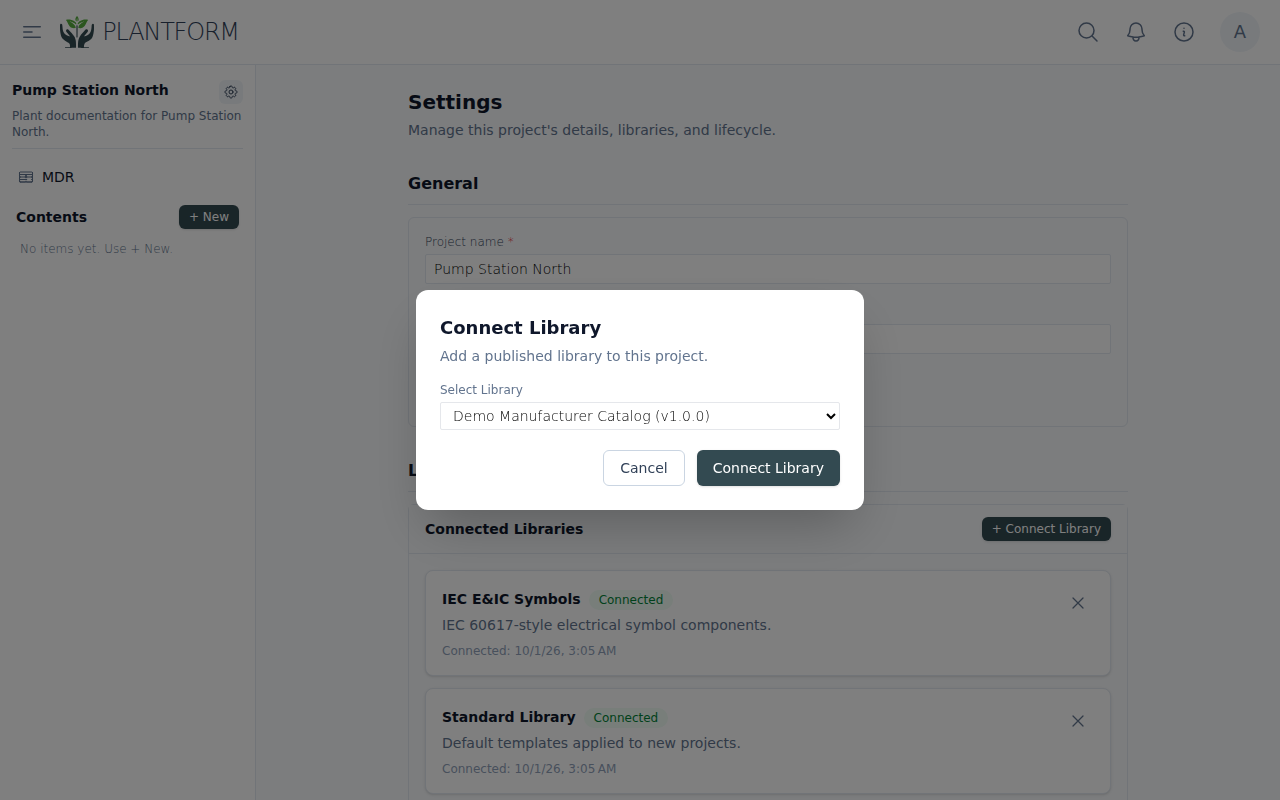
Click Connect Library.
Result: You see Demo Manufacturer Catalog.
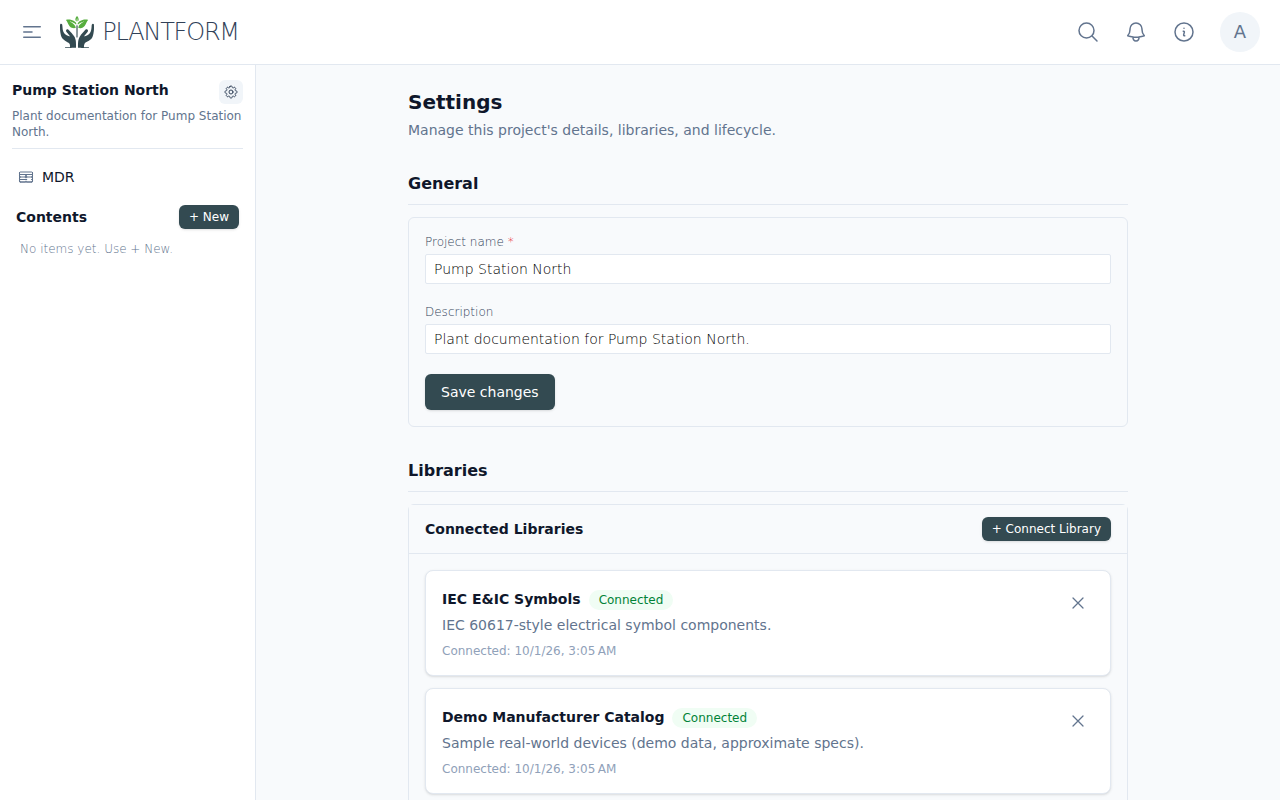
Click + New.
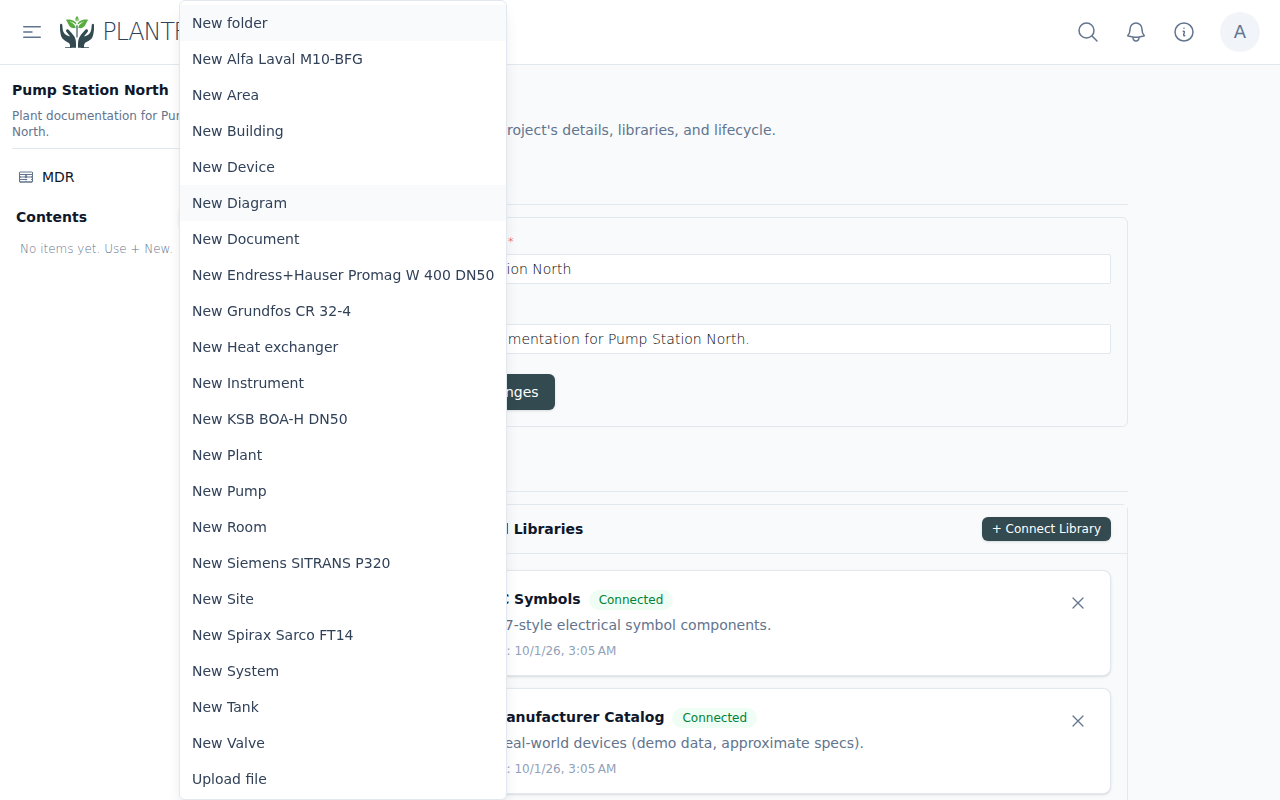
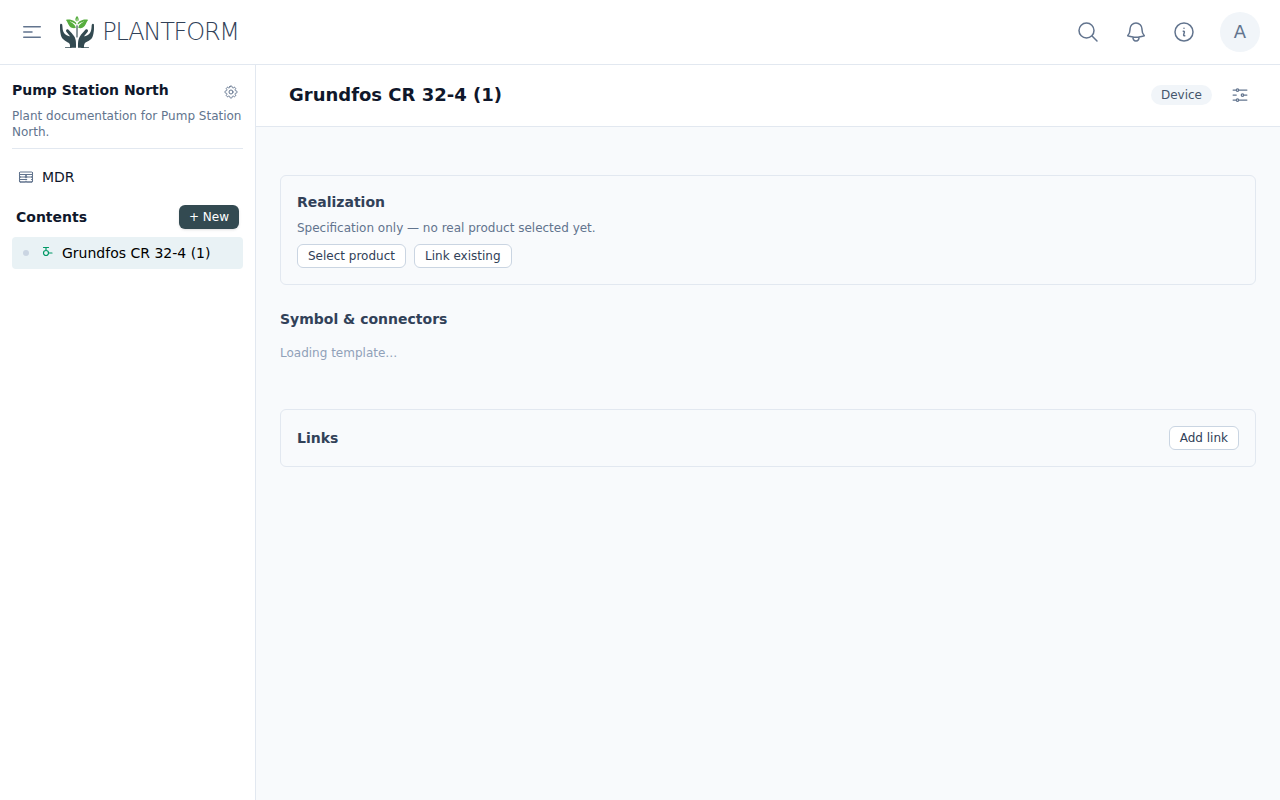
Click New Grundfos CR 32-4.
Result: You see Grundfos CR 32-4.