Appearance
Create a library
A library holds reusable templates for devices, documents and diagrams. Create one, then add templates and connect it to your projects.
Create a library
Before you start
- You are signed in as an organization admin.
- No library named Acme Standard Library exists yet.
Click Libraries.
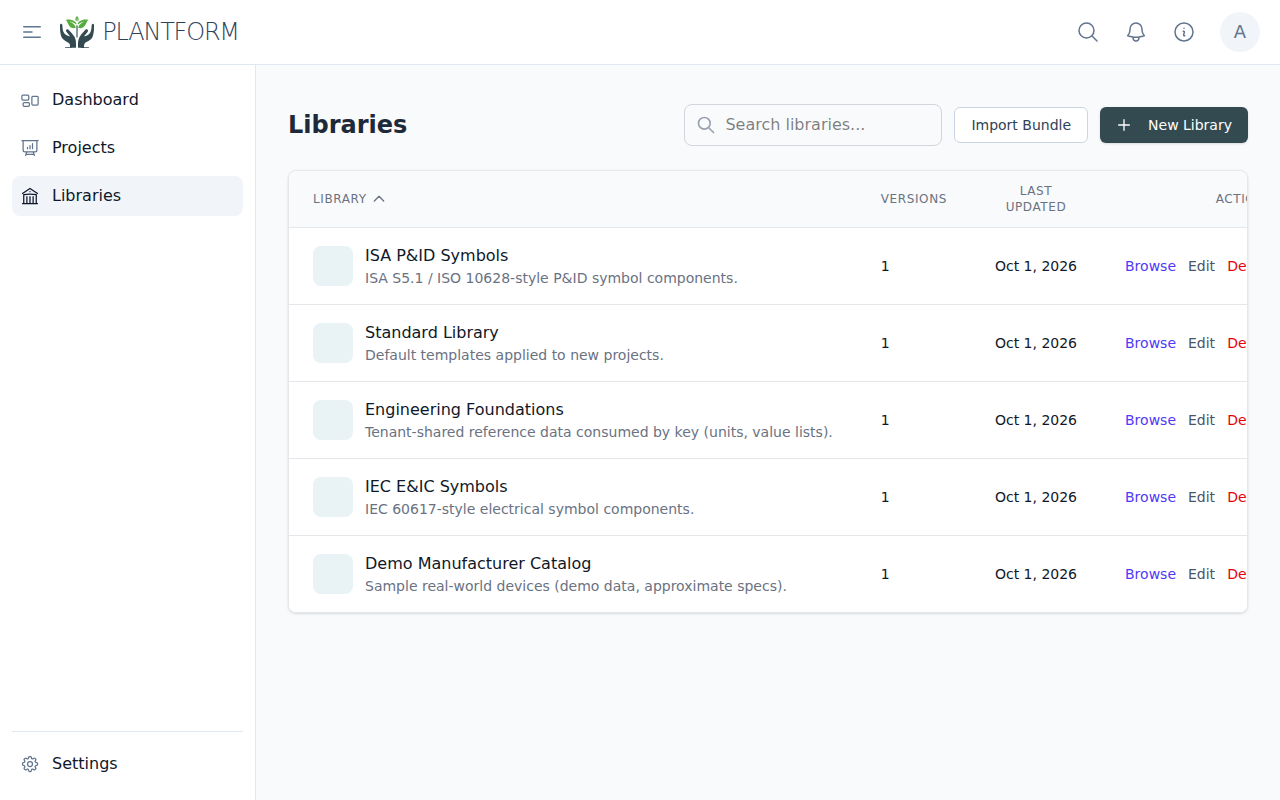
Click New Library.
Fill in Name with Acme Standard Library.
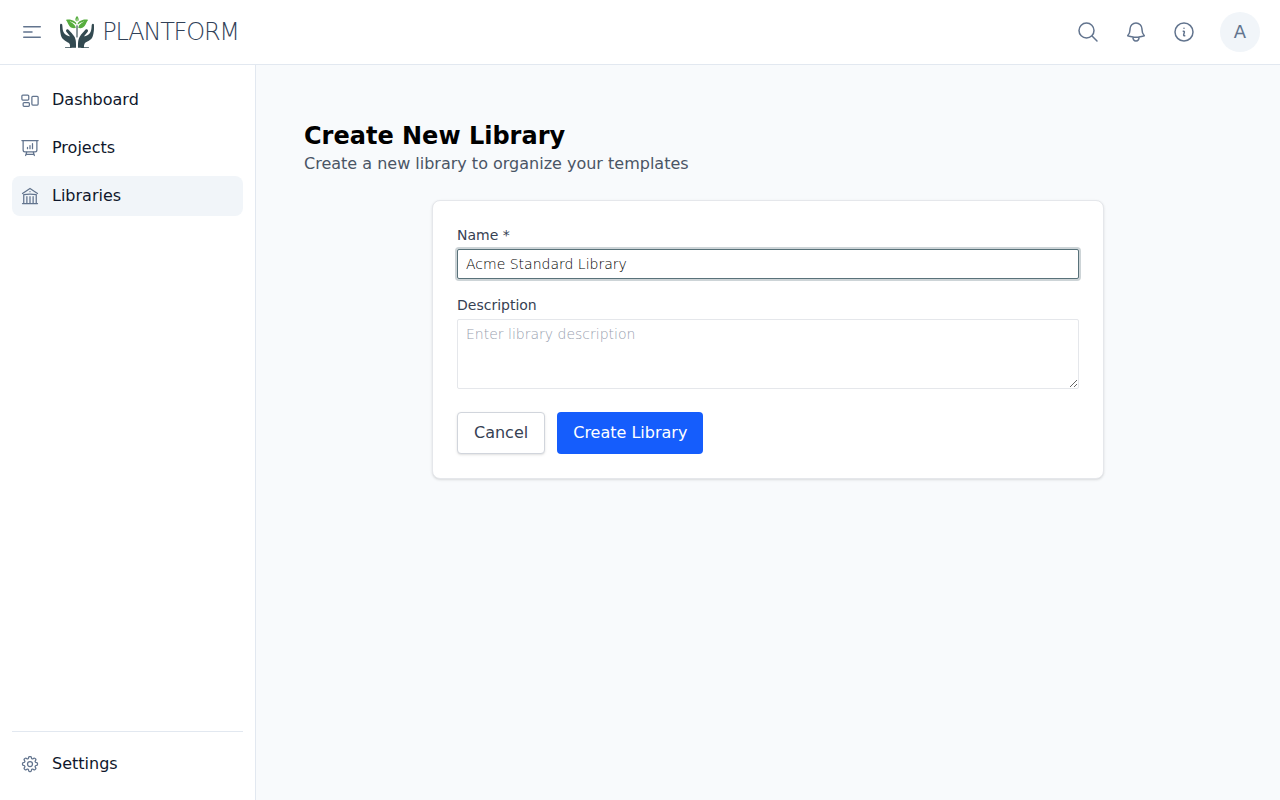
Click Create Library.
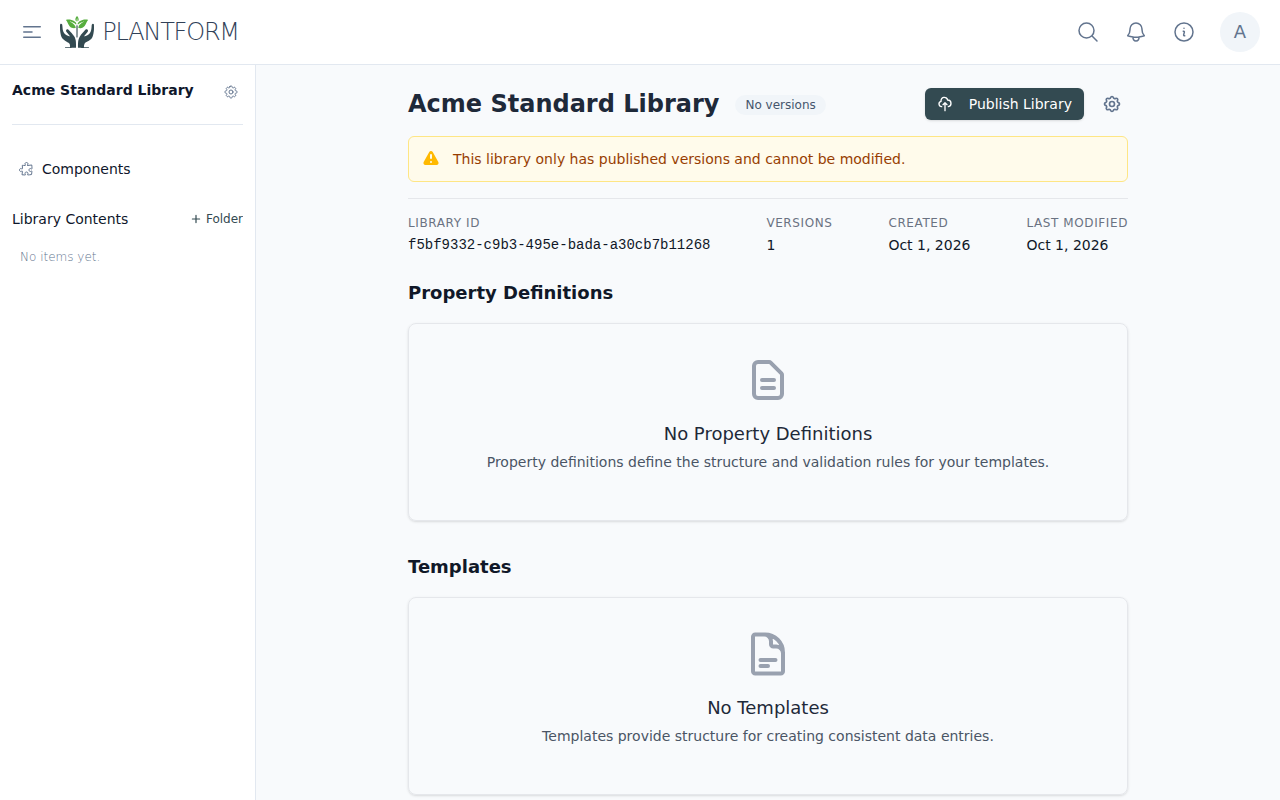
Result: You see Acme Standard Library.