Appearance
Create a project
A project holds everything about one plant or installation: its structure, devices, documents and diagrams.
Create a project
Before you start
- You are signed in as an organization admin.
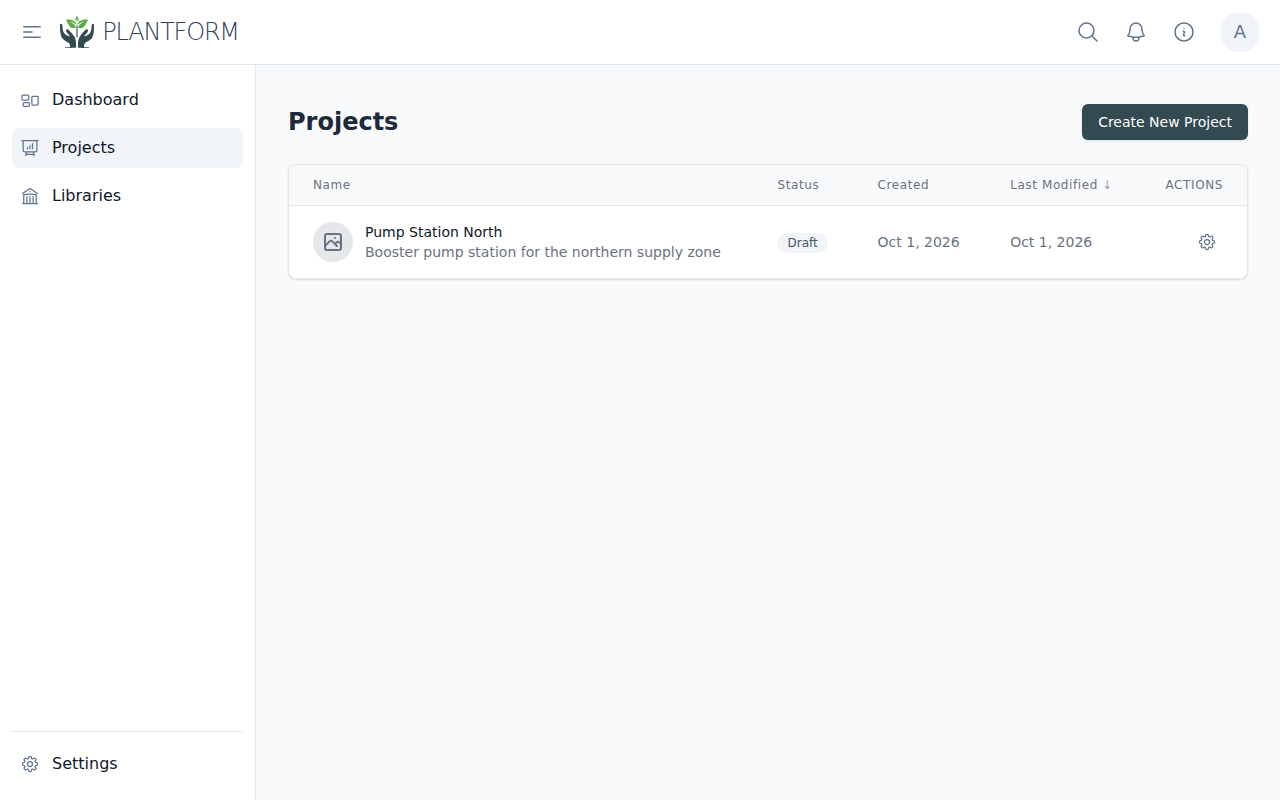
Click Projects.
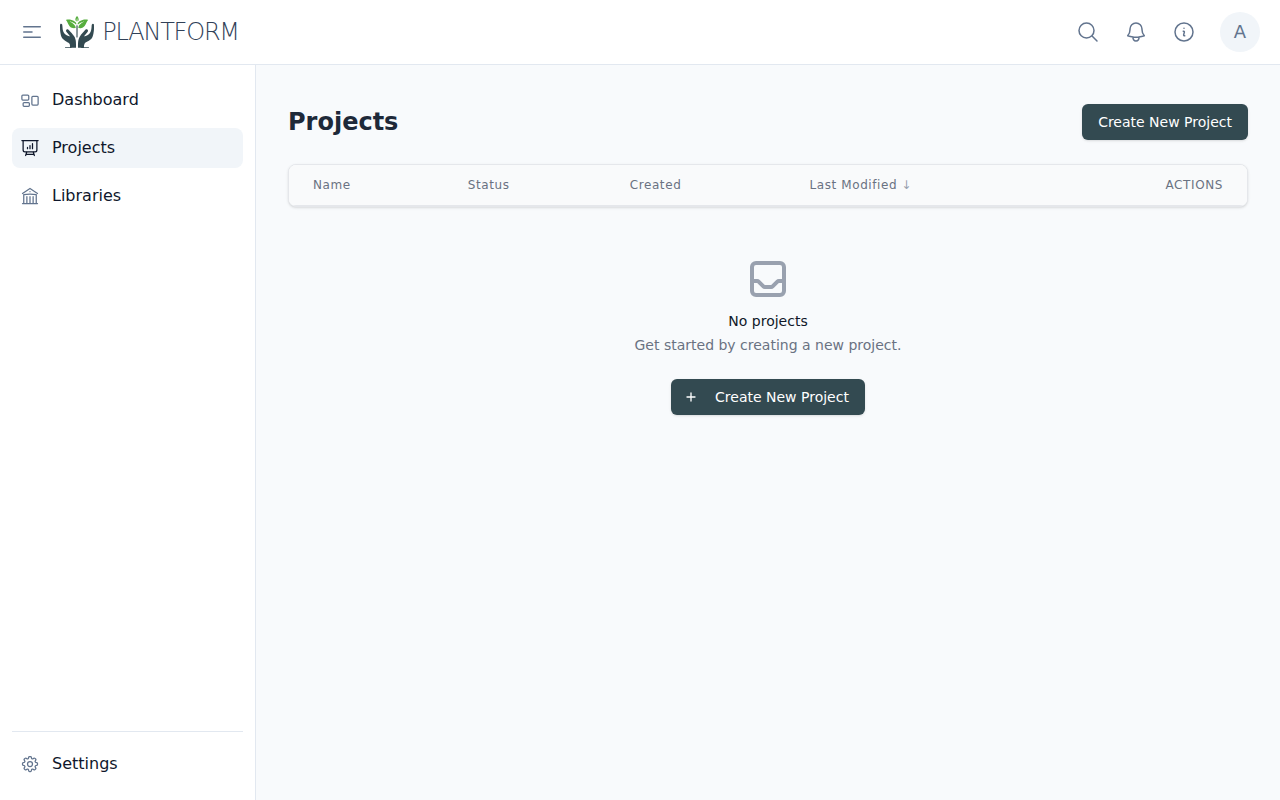
Click Create New Project.
Fill in Name with Pump Station North.
Fill in Description with Booster pump station for the northern supply zone.
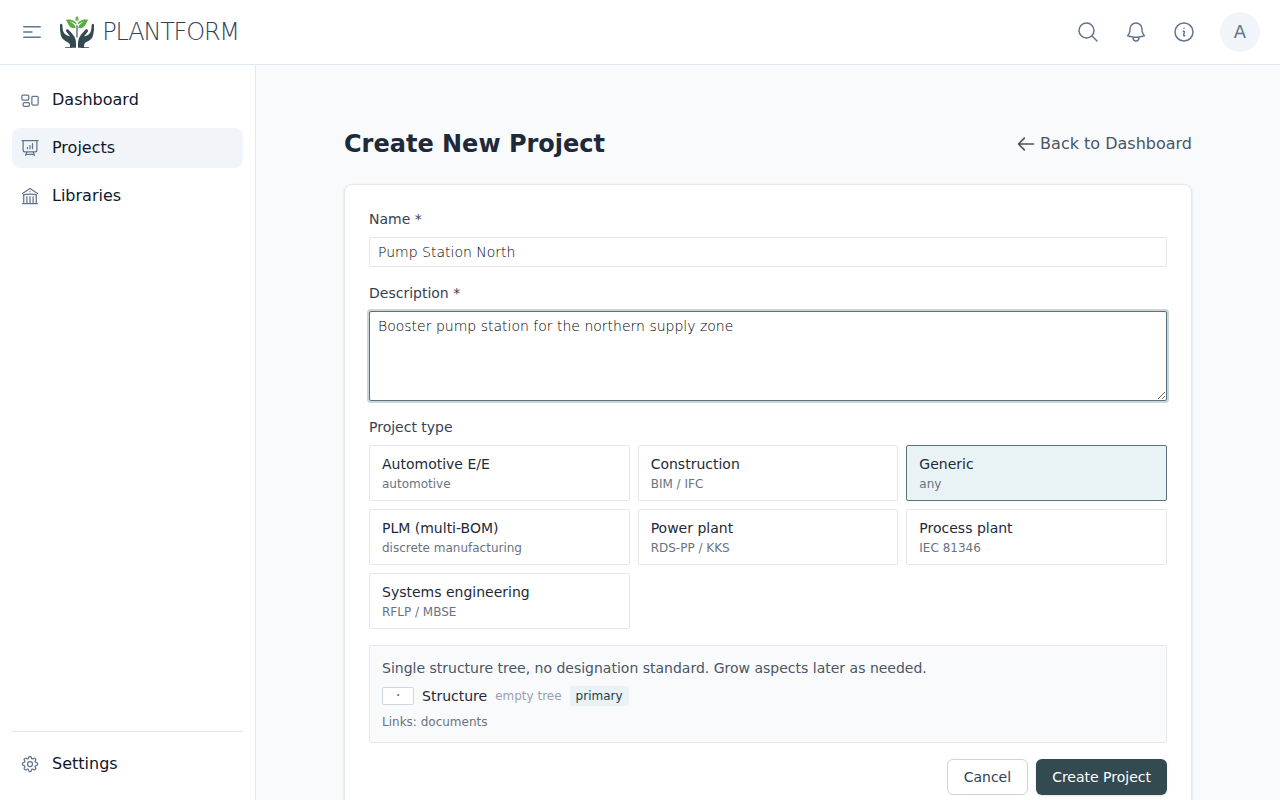
Click Create Project.
Result: You see Pump Station North.